Continuous Email Warm-Up vs. 21-Day Ramp-Up: Which Protects Inboxes?
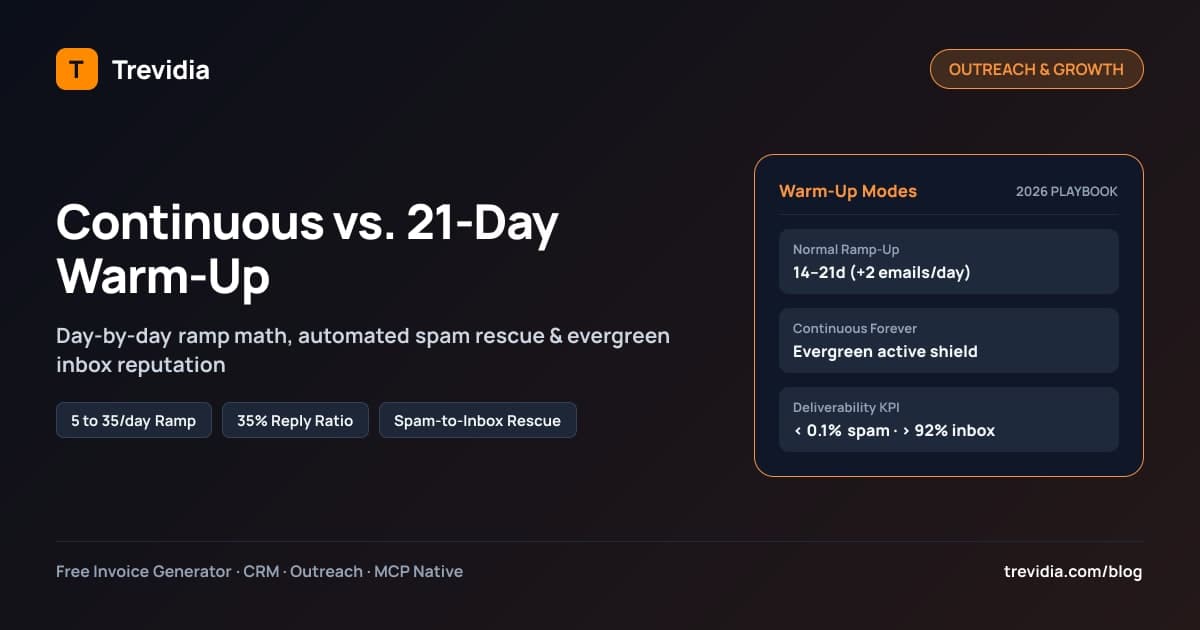
Continuous email warm-up keeps automated peer-to-peer inbox engagement, spam-to-inbox rescue, and natural conversational replies running indefinitely alongside active campaigns, whereas a 21-day ramp-up gradually scales a fresh inbox from low daily volume to target send capacity and then switches off.
Turning warm-up completely off the day a cold campaign launches is one of the fastest ways to tank sender reputation. Cold prospects rarely star your email, drag it out of Promotions/Spam, or reply 35% of the time—meaning mailbox engagement signals flip abruptly negative unless an evergreen warm-up shield stays active underneath your live outreach.
Why Shutting Off Warm-Up After Day 21 Hurts Cold Campaigns
Modern spam classifiers inside Gmail and Microsoft 365 do not grade your domain once and issue a permanent pass. They score rolling 7- to 30-day engagement ratios:
- Positive engagement signals: Messages landing in Primary Inbox, replies within the same thread, messages marked Important/Starred, and messages rescued out of Spam into Inbox.
- Negative engagement signals: Unopened messages piling up unread, manual "Report Spam" clicks, bounces, and sudden daily volume spikes without matching reply volume.
During Days 1–21 of warm-up, 100% of your mailbox's outbound activity consists of healthy two-way threads with zero spam complaints. If you turn warm-up OFF on Day 22 and shift 100% of your daily send quota to cold prospects—where 90%–95% of recipients never reply—your positive engagement ratio collapses overnight. Keeping Continuous Forever Warm-Up running quietly in the background anchors your positive reputation signals every week you run outbound.
Side-by-Side Comparison: OFF vs. NORMAL_RAMPUP vs. CONTINUOUS_FOREVER
Every mailbox in a healthy outbound workspace fits one of three warm-up configurations:
| Warm-Up Mode | Ideal Use Case | Daily Schedule Behavior | What Happens After Day 21 | Risk Profile |
|---|---|---|---|---|
OFF |
Aged primary corporate domains sending only 1-to-1 client threads or invoices | Zero warm-up traffic; relies purely on organic client opens/replies | No background signal buffering | High risk if used for cold outbound; zero recovery buffer if flagged |
NORMAL_RAMPUP (14–21 Days) |
New domains preparing for modest warm outreach, newsletters, or transactional invoicing | Starts at 5/day, adds +2/day up to 35/day target over 14–21 days |
Automatically marks warm-up complete and stops peer sends | Clean initial ramp, but vulnerable if scaled into aggressive cold lists |
CONTINUOUS_FOREVER (Evergreen) |
Dedicated cold outreach mailboxes (Gmail, Outlook, Private SMTP) running active sequences |
Ramps up safely first, then maintains dynamic daily warm-up permanently | Never stops; auto-throttles warm-up alongside live cold sends | Strongest protection against Gmail/Outlook spam drift over months |
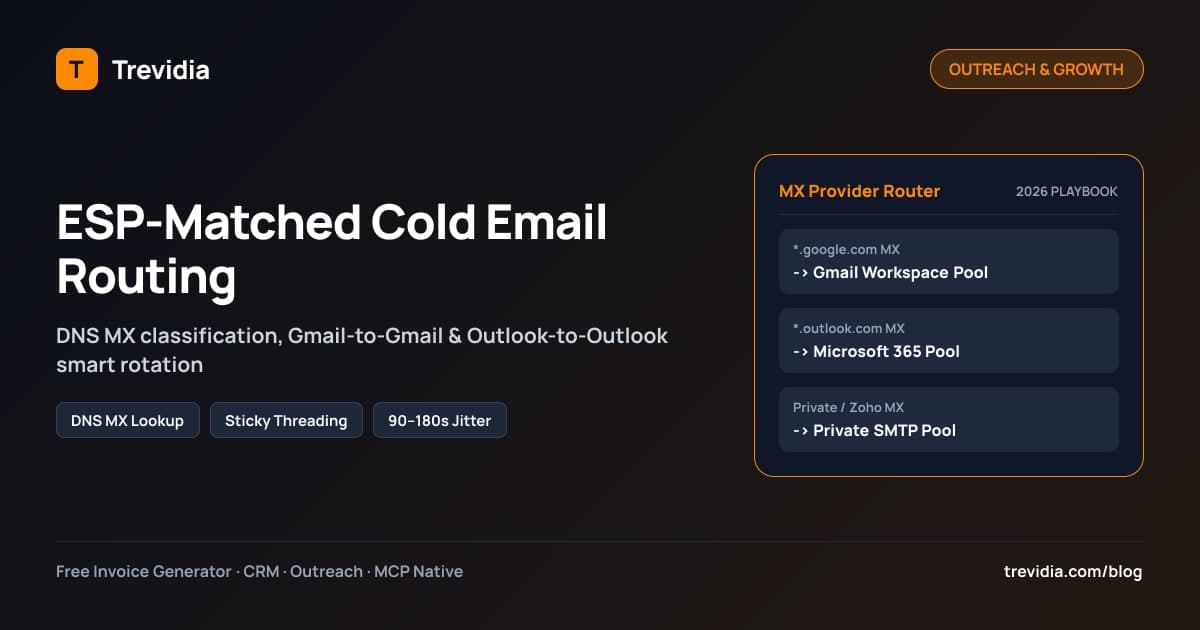
Pair your warm-up selection with provider-matched routing so Google prospects hear from Gmail mailboxes and Microsoft 365 prospects hear from Outlook mailboxes—see our complete ESP-matched cold email routing guide for DNS MX setup details.
Exact 21-Day Mailbox Warm-Up Schedule (5 to 35 Emails/Day)
Never jump a freshly created mailbox (alex@gettrevidia.com) straight to 40 cold sends in Week 1. Use this progressive NORMAL_RAMPUP schedule (starting at 5 emails/day, +2/day increment, capping at 35 warm-up emails/day with a ~35% reply ratio):
| Day Range | Daily Warm-Up Volume | Automated Replies (~35%) |
Live Cold Outreach Allowed | Primary Focus |
|---|---|---|---|---|
| Days 1–3 | 5 -> 9 emails/day |
2–3 replies/day |
0 cold emails |
Verify SPF, 2048-bit DKIM, DMARC & clean peer connection |
| Days 4–7 | 11 -> 17 emails/day |
4–6 replies/day |
0 cold emails |
Build baseline Primary Inbox placement across Google, M365 & SMTP peers |
| Days 8–12 | 19 -> 27 emails/day |
7–9 replies/day |
0 cold emails |
Validate spam-to-inbox rescue triggers zero auth errors |
| Days 13–16 | 29 -> 35 emails/day |
10–12 replies/day |
0–5 soft warm outreach |
Stabilize at 35/day ceiling; verify >95% inbox placement |
| Days 17–21 | 35 warm-up emails (or step down to 15–20 as cold starts) |
6–12 replies/day |
10–20 verified cold leads |
Introduce strict verified leads matched by DNS MX provider |
Day 22+ (CONTINUOUS_FOREVER) |
10–15 evergreen warm-up emails/day |
4–5 replies/day |
25–35 cold emails/day |
Maintain total combined mailbox volume <= 50/day permanently |
Notice the throttle rule on Day 22+: total combined daily outbound volume (live cold sends + warm-up sends) should stay within 45–55 messages per mailbox. When a mailbox launches 35 live cold emails on Tuesday, dynamically dial its warm-up allocation down to 10–15 evergreen threads rather than pushing total daily sends to 70+.
How Automated Spam-to-Inbox Rescue & Engagement Rituals Work
Real warm-up does far more than bounce meaningless dummy emails between two empty servers. An effective engine executes a four-part engagement loop across Gmail API, Microsoft Graph, and IMAP (imapflow):
- Cross-ESP Peer Exchange with Unique Identification: Peer mailboxes exchange varied, realistic business topics carrying a distinct verification header (such as
X-Trevidia-Warmup-Token) so warm-up replies never leak into your CRM lead stages or clutter prospect reporting. - Inbox vs. Spam Detection: The warm-up worker inspects the receiving mailbox folder state. Did the message land cleanly in
INBOX, or did Microsoft Junk / Gmail Spam / Promotions catch it? - Automated Spam Rescue + Positive Tagging: Whenever a warm-up email lands in
SPAMorJUNK, the system moves the thread directly intoINBOX, removes spam labels, marks the email Read, and flags it Important / Starred. To Google and Microsoft's filtering models, a user manually rescuing a sender out of Spam is one of the strongest positive trust signals available. - Delayed Conversational Replies: Roughly 35% of warm-up messages receive natural, multi-turn conversational replies 15 to 90 minutes after arrival—simulating authentic human dialogue rather than instant 2-second bot echoes.
Deliverability KPI Thresholds: When to Pause vs. Scale
Monitor your mailbox pool dashboard weekly against hard numerical guardrails before adding extra prospect volume:
| Deliverability Metric | Healthy Green Zone | Warning Yellow Zone (Reduce Volume) | Red-Line Stop Trigger |
|---|---|---|---|
| Inbox vs. Spam Rescue Rate | >= 94% landing in Primary Inbox |
85%–93% (cut cold volume 50%) |
< 85% inbox placement -> Switch mailbox to WARMING_ONLY for 7 days |
| Hard Bounce Rate | < 1.0% |
1.0%–2.0% (re-verify list via Snov.io) |
> 2.5% bounces -> Auto-pause (BOUNCE_PAUSED) & clean lead source |
| Spam Complaint Rate | < 0.05% |
0.05%–0.10% (rewrite copy/offer) |
>= 0.10% -> Audit targeting, remove pushy language, verify opt-out footer |
| Positive Reply Rate (Cold) | >= 3%–8% |
1%–2.9% (personalize Step 1) |
< 1% -> Test offer positioning & AI icebreakers before adding mailboxes |
Never push cold outreach through an unverified or flagging mailbox just to hit a weekly activity quota. Pausing live cold sends for 5–7 days while keeping CONTINUOUS_FOREVER warm-up running restores sender health far faster than burning a domain permanently.
4 Common Email Warm-Up Mistakes That Burn Sender Domains
Even teams using automated warm-up tools sabotage their own inbox placement when they miss four operational fundamentals:
- Relying on warm-up to fix unverified or scraped lists: No warm-up network can save a domain blasting 8% hard bounces to dead corporate addresses. Verify every prospect list via Snov.io or an equivalent verifier before enrollment.
- Sending warm-up inside a closed single-ESP bubble: If your Gmail inbox only exchanges warm-up emails with other Gmail boxes, you never build positive trust across Microsoft 365 Exchange Online or private IMAP gateways. Effective warm-up pairs mailboxes across Google, Microsoft 365, and Private SMTP peers.
- Leaving warm-up at 40/day while firing 45 cold emails/day: Pushing 85 combined outbound messages through a young workspace mailbox triggers daily volume throttling even if the copy is personalized. Always include warm-up sends inside your total daily ceiling (
45–55/daycombined max). - Skipping SPF, DKIM, or DMARC during Day 1–7: Warming an unauthenticated domain simply teaches filters to mistrust your DNS configuration sooner. Lock in valid SPF, 2048-bit DKIM, and DMARC before sending Warm-Up Email #1.
The 7-Day Deliverability Recovery Protocol (If Inbox Score Drops Below 85%)
If a campaign test pushes a sender domain into Promotions or Spam, run this calm seven-day reset instead of immediately buying five replacement domains:
- Days 1–2 (Freeze Cold Campaigns): Switch the affected mailbox to
WARMING_ONLY(0live cold steps), audit recent copy for spam-trigger links or excessive attachments, and pause any sequence segment showing bounce rates above2%. - Days 3–5 (Run Intensive Spam Rescue): Keep
CONTINUOUS_FOREVERactive at20–30warm-up threads per day with automated Spam-to-Inbox rescue and35%–40%conversational replies across Google and Microsoft peers. - Days 6–7 (Verify Placement & Resume Slowly): Confirm automated inbox placement climbs back above
>= 94%, switch copy to strict plain text with open tracking off, and resume live cold outreach gradually at10–15prospects/day matched by DNS MX provider.
Multi-Channel Safety: Combining Warmed Email With Social Touches
Inbox warm-up handles technical email reputation, while prospect familiarity lifts human reply rates and lowers spam complaints. Before firing Step 1 from a warmed mailbox:
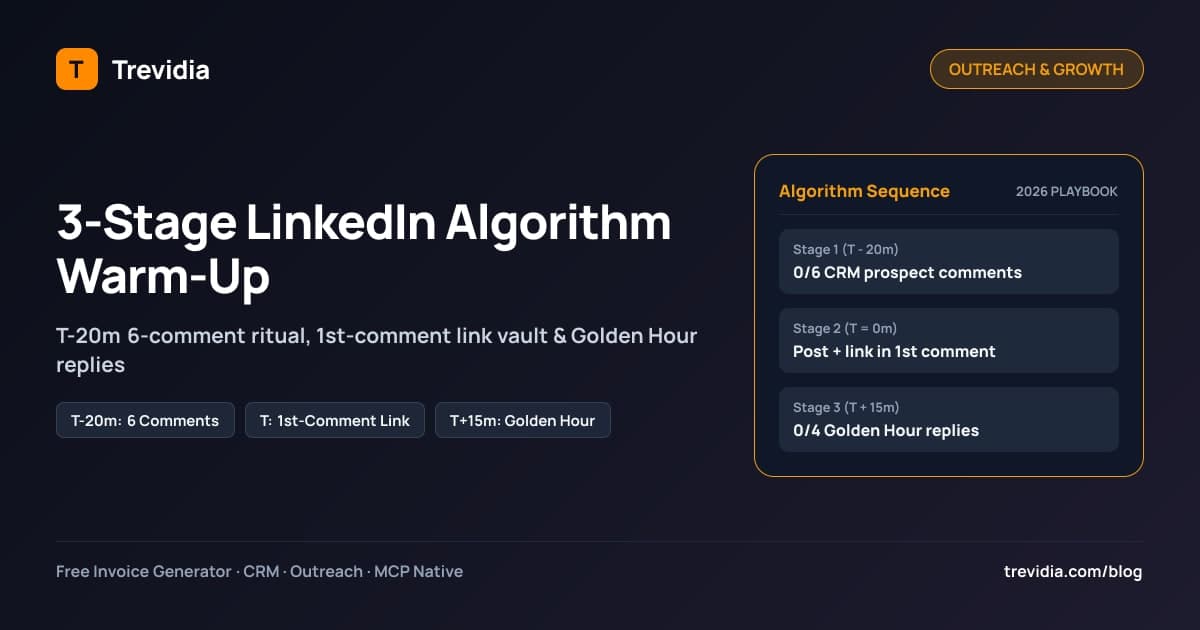
- Engage naturally with the prospect's content first using our 3-stage LinkedIn algorithm warm-up playbook so your name looks familiar in their inbox.
- Keep your billing, calendar booking, and outreach unified so prospects who reply immediately book a Google Meet slot (
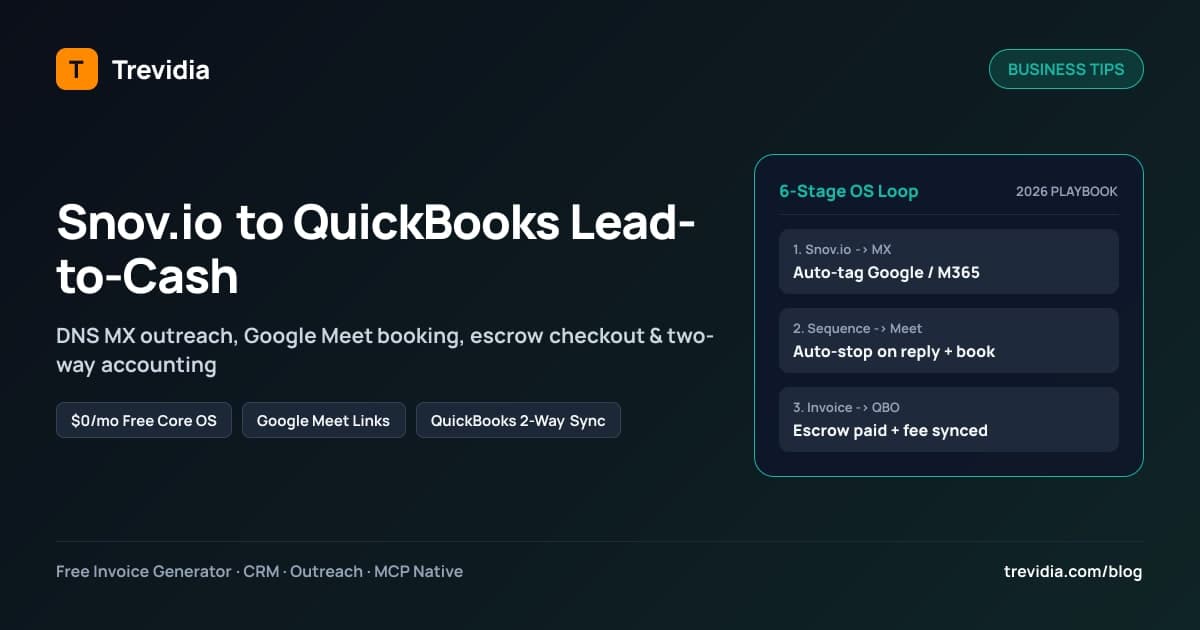
{{booking_link}}) and later convert cleanly into invoiced retainers. Review the full stack in our Snov.io-to-QuickBooks lead-to-cash workflow guide.
Configure Normal or Continuous Warm-Up Inside Trevidia
Standalone warm-up subscriptions routinely charge $29–$49 per mailbox per month—before you even pay for a sequencer or CRM. Trevidia builds multi-mailbox warm-up natively alongside CRM, outreach, tasks, and invoicing:
- Per-Mailbox Warm-Up Controls (
/outreach/mailboxes): Connect Gmail (OAuth2), Outlook / Microsoft 365 (Graph OAuth2), and Private SMTP / IMAP accounts and toggle each mailbox individually betweenOFF,NORMAL_RAMPUP(14–21 days), andCONTINUOUS_FOREVER. - Customizable Ramp Sliders: Set starting volume (
5/day), daily increment (+2/day), warm-up cap (35/day), and reply percentage (35%) per inbox. - Live Deliverability Score & Spam-Rescue Logs: See exactly how many warm-up emails hit Inbox vs. Spam and track automatic Spam-to-Inbox rescues in real time.
- Transparent Modular Cost: Start free on Trevidia's $0/month Free Core OS (100 CRM contacts, up to 5 free PDF invoices/month via freelance invoice templates, and 50 free Claude AI credits), and unlock unlimited multi-mailbox ESP rotation plus Normal/Continuous Forever warm-up inside Outreach & Multi-Mailbox Pro ($15/month) on Trevidia pricing.
Ready to stop losing cold outreach to Spam folders? Create your free Trevidia workspace and put your sender pools on Continuous Forever protection today.
Mailbox Warm-Up & Deliverability Checklist
- New outreach domains warmed for 14–21 days (
5 -> 35/dayat+2/day) before enrolling cold prospects. - Active cold outreach mailboxes kept on
CONTINUOUS_FOREVERwarm-up with automated Spam-to-Inbox rescue enabled. - Combined daily outbound cap (
live cold + warm-up) throttled safely around45–55/dayper inbox. - Prospect lists verified prior to enrollment so hard bounces stay strictly
< 1%–2%. - Any mailbox dropping below 85% inbox placement automatically shifts to
WARMING_ONLYuntil score recovers above 94%.